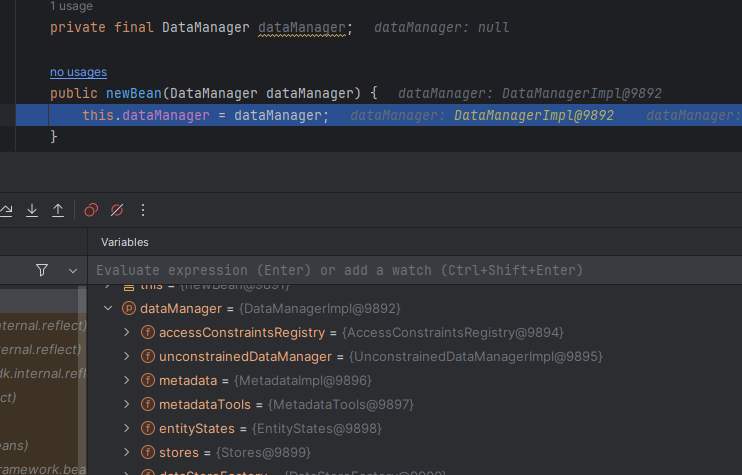
I can’t inject JMix infrastructure Beans into my @Component bean in my v2 project. When I use the Inject menu to insert DataManager it insert this code;
@Component(“someclass”)
public class someclass
private final DataManager dataManager;
 public someclass(DataManager dataManager) (
       this.dataManager = dataManager;
. . .
If I hand code; @Autowire
Private DataManager dataManager
Yes, “Private” was a typo it is “private”.
I ran some tests. So I seem to have an environmental issue with IntelliJ. Even if I create a new Jmix v1 or v2 project I have this issue. I even have this issue opening an existing Jmix project that was fine. I even have 2 laptops I work off of and they both have this issue. So I assume the configuration change happened via a Git update for one laptop to another or unless JMix update jacked something up.
I tried creating a zip of an empty Jmix project that shows it this issue. But the zip file was 8M but your upload is limited to 4M.