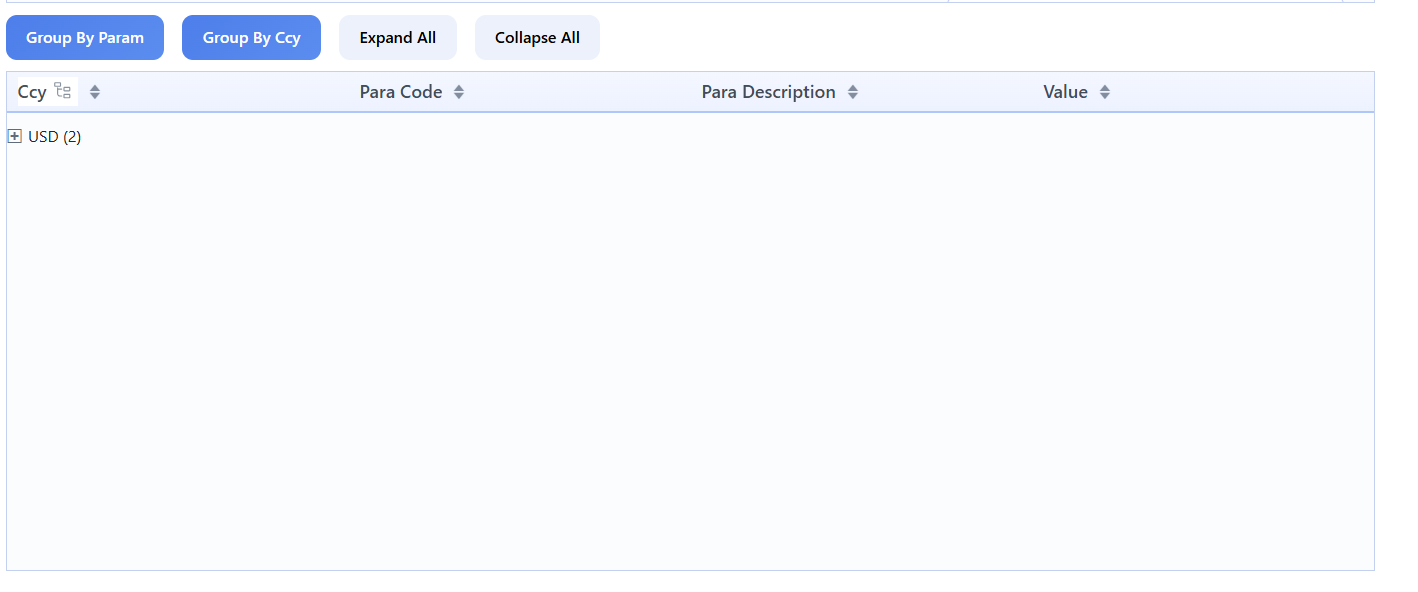
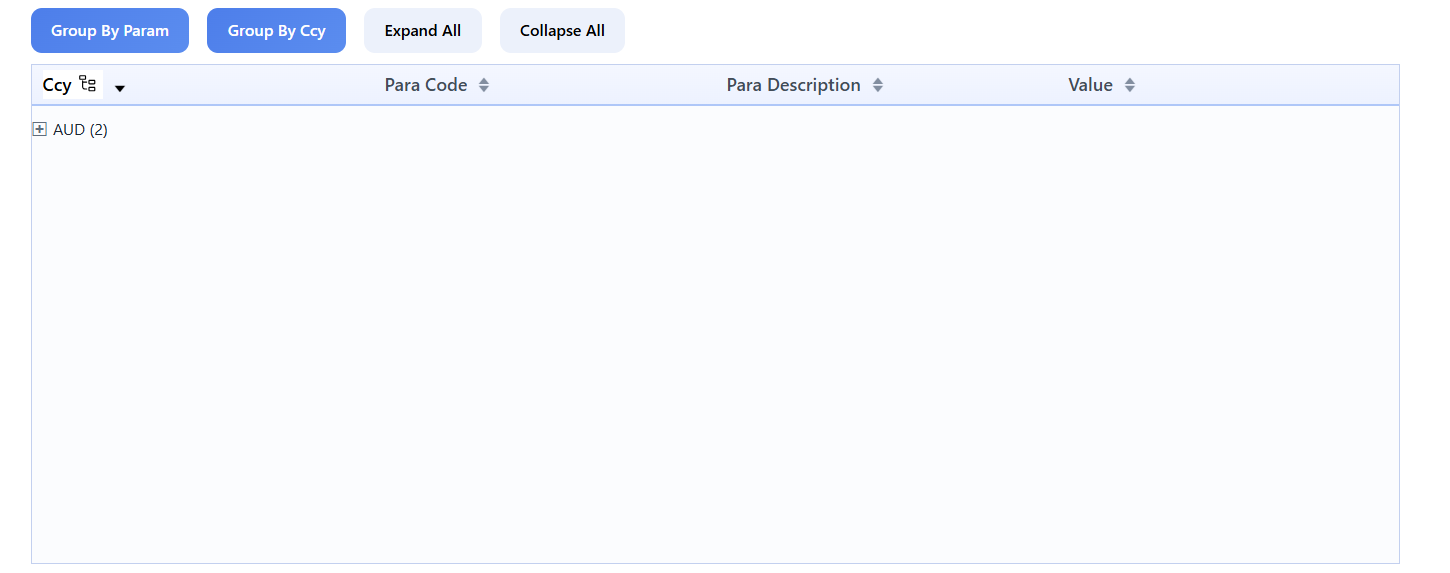
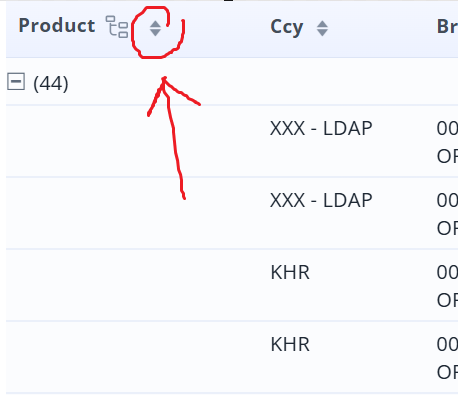
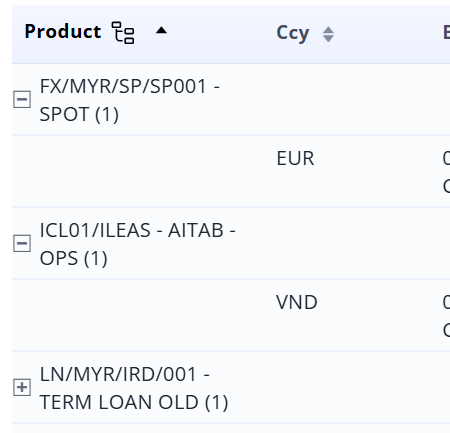
We have found an issue for the recently added GroupDataGrid component. When we tried to use .groupByKey function to the GroupDataGrid with a DataContainer that contains an entity with CompositeKey, the grid will only show the first row after grouping them.
From the 2 screenshots above, it is shown that after I group by “currency” in my project, they only show the records under USD, but if I tried and trigger the table to sort by ascending order, it will show the grouped AUD records instead. Which means there are more than one “groups” of records in here but it only shows the first one. Please check on this whether this is a bug from the groupdatagrid-add-on, thank you.
P.S. “currency” is a field on my entity’s CompositeKey
Could you share a small demo project with the problem or steps to reproduce it? I’ve tried to group by property from composite key but all existing rows are shown.
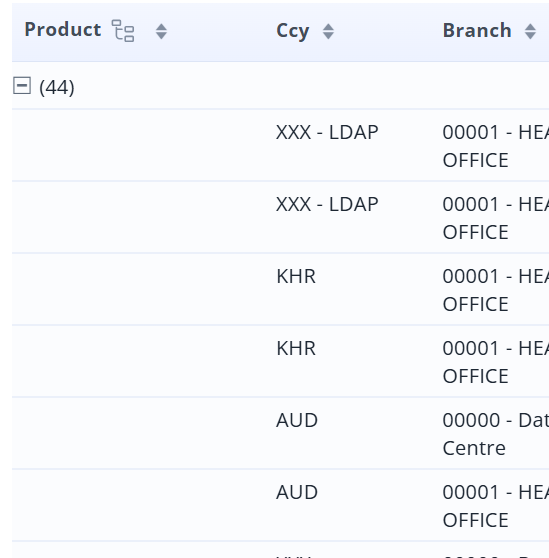
I encounter similar issue that the entity that has the composite key & grouping using the Transient entity field. I need to click the group data grid icon , it shows another record. Supposedly need to display all the record.
Thank you for sharing the problematic case. We will additionally check it while resolving the issue.
In general, it is highly recommended that entities which do not automatically generate in-memory IDs define the Has Uuid trait. For more information see Entities :: Jmix Documentation
Hi @pinyazhin ,
cc : @wjong
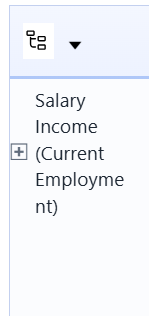
Thank you for the updated. today , I encountered a new issue with the Group Data Grid, where the group column is not displayed correctly.
This probably happens when you initialize the transient property after grouping has been performed. As a workaround, you can remove the grouping from XML and apply it programmatically after your property is fully initialized.