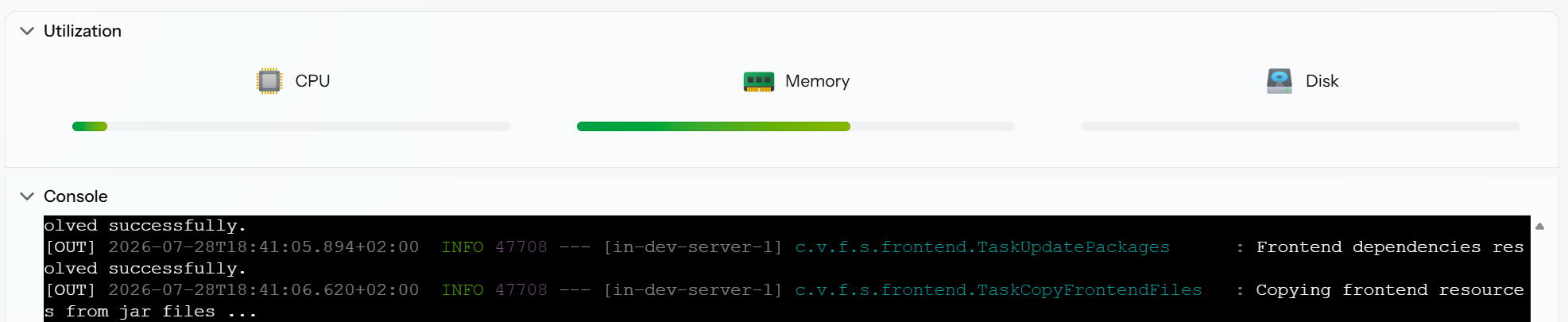
After upgrading to Jmix 3.0.0, several things stopped working for me, especially related to Vaadin resources.
Features like @CssImport and setSrc()for images no longer work as they did before. I also tried switching to the new DownloadHandler, but image loading still doesn’t work at all.
At the moment, the only workaround that actually works for me is to encode images as Base64 strings and set them directly, which is obviously not ideal.
I also don’t want to go back to enabling a web servlet whitelist, because that introduces potential insecurity in my addons — especially if other users don’t want to enable such a servlet in their own environments.
Is anyone else experiencing similar problems with resource handling in Jmix 3.0.0?
Did you find a reliable solution for loading images or custom CSS with the new Vaadin/Jmix setup?
For context: I believe CSS import always worked fine in the past, but I already had issues with static images before. Now with Jmix 3.0.0 the situation seems even more restrictive.
Using Paths “./system/”, “/system/”, “system/” not working.
I’ve investigated your add-on and there are some conclusions:
Your path in Image.setSrc("icons/some_icon.png") is not allowed by Spring security. More precisely, the path isn’t “forbidden” by a specific rule, it simply doesn’t fall under any rule, and the default for everything else in Vaadin 25 is now denyAll.
The difference with Jmix 2: there, the fallback was authenticated, so the logged-in user was served the static file at a random path.
If you don’t want to enable it by web servlet whitelist, use DownloadHandler.forClassResource(). For instance:
That’s strange—I’m sure I did it that way; the path must have been correct, because otherwise I would have gotten an error message.
Unfortunately, I hadn’t pushed it to GitHub, otherwise I could check it now. I got it from the Vaadin Docs page, but in my opinion, it was exactly the same as what you sent me—except that instead of .class, it was getClass().
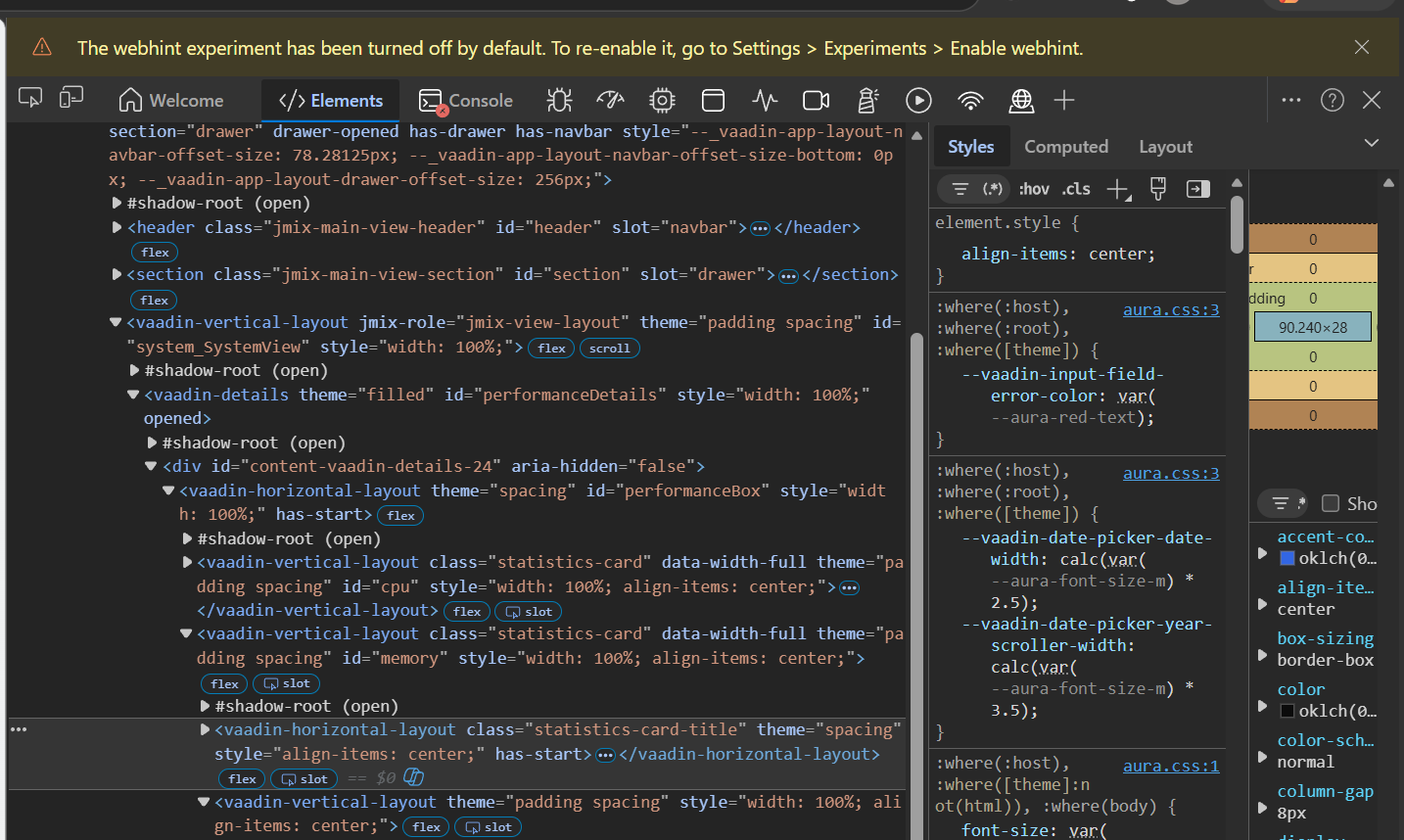
Unfortunately, the CSS isn’t loading; I can’t find it in the Dev Tools or in the site source.
It doesn’t work for me on either macOS or Windows; I set up a brand-new project on both systems and cleared the cache.
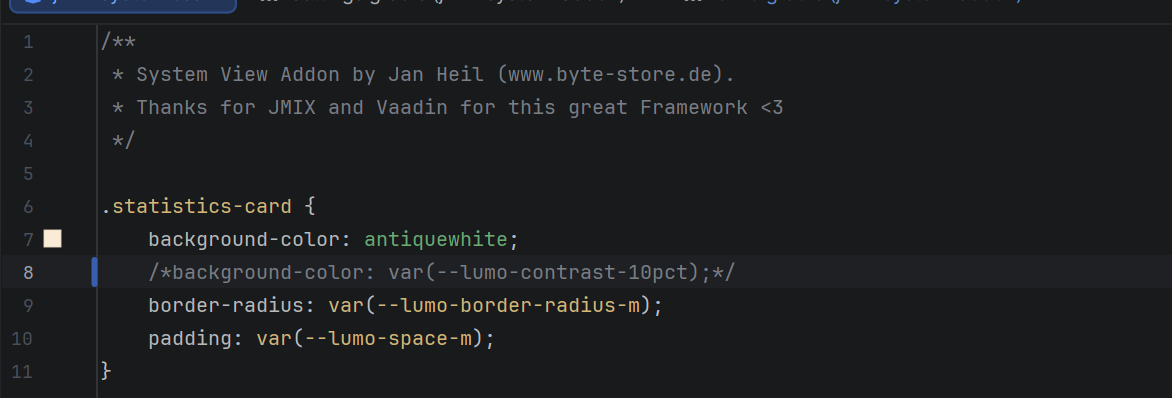
I colored the background for testing purposes; when I set it via Dev Tools, it accepts the option without any problems, but it doesn’t apply it when I set it via the CSS file.
Please note that your theme in the application screenshot is Aura, but the .statistics-card selector uses Lumo variables.
Also, in the screenshot you select an element with the class statistics-card-title. Could you please check whether the selector actually applies to the element with the .statistics-card class at all?