The new feature release 2.1 of the Jmix framework and Studio is out! The framework is available in our artifact repositories, Jmix Studio plugin is ready for update in your IntelliJ IDEA.
New and noteworthy features in this release include:
Improvements in BPM such as the DMN tables editor and advanced process form wizard
DataGrid improvements: sorting by multiple columns, aggregation, filter in column headers
Settings and Timer facets
New effective way of loading data for dropdowns
Support for commenting data model
Various enhancements in Studio: injection by code completion, support for data repositories, Jmix UI panel in view controllers.
See what’s new for upgrade instructions and the full list of new features and backwards incompatible changes.
The documentation now shows information about version 2.1 by default. You can switch to previous versions using the selection controls at the bottom left corner or in the page header.
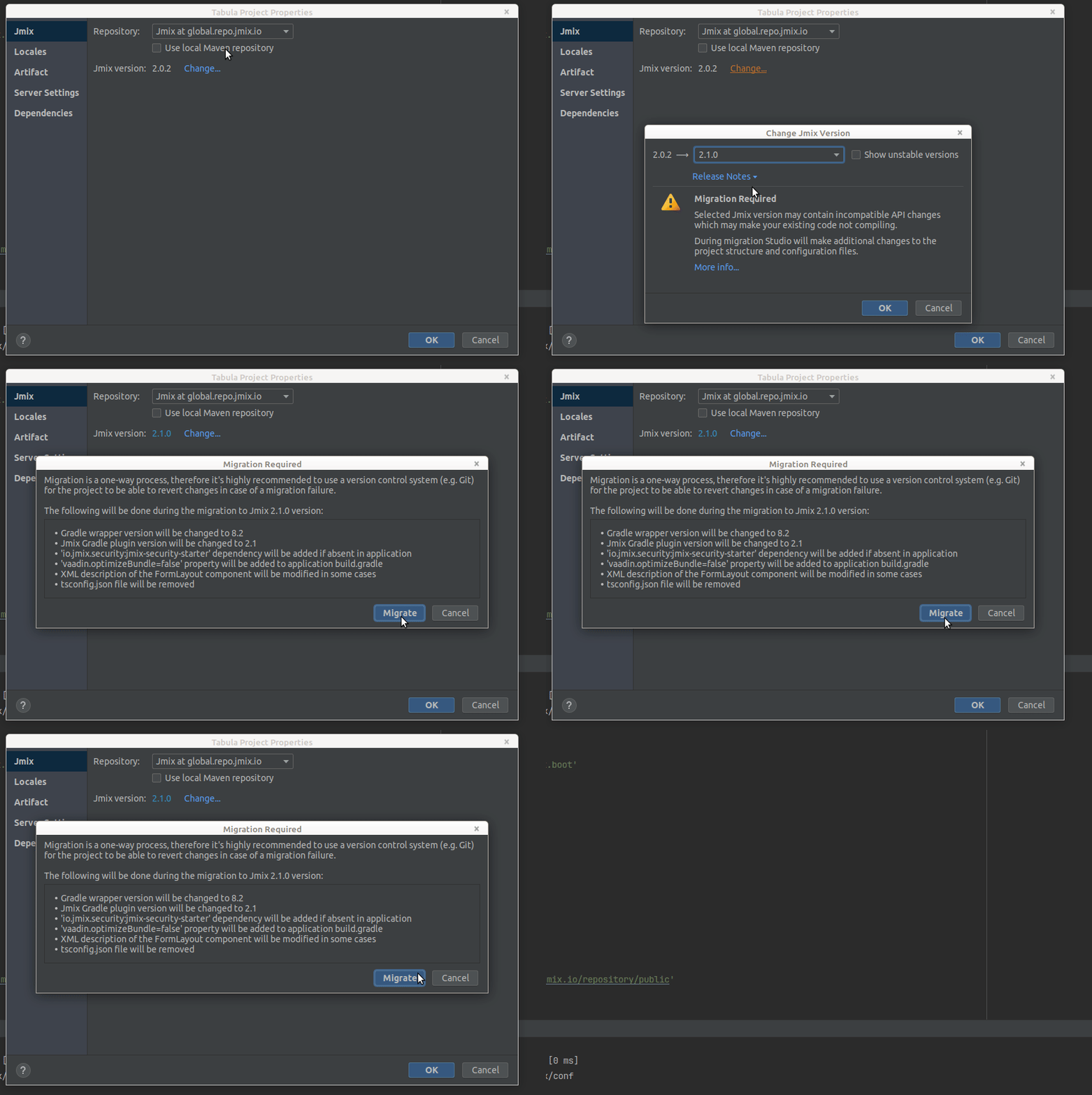
I’m having trouble migrating a project from Jmix 2.0.2 to Jmix 2.1.
Jmix version: 2.0.2
Jmix Studio plugin version: 2.1.0-232
IntelliJ version: IntelliJ IDEA 2023.2.4 (Ultimate Edition)
Linux Mint 20.3 Una
The issue is caused by disabled Kotlin plugin in the IDE.
Until the fix provided you can temporarily enable it, perform migration and then disable again.
To help balance the issues I would like to congratulate the team on delivering a lot of great changes in version 2.1! The upgrade from 2.0 to 2.1 worked without issue. I only had to make one change to a custom security filter due to the SpringBoot upgrade. This update has filled in many of the missing features from the classic UI and I am looking forward to implementing many of them over the next few weeks.
When it comes to Spring Security, there is indeed a change needed in case you used a custom Spring Security config. Example: make static images available to the login view.
This method cannot decide whether these patterns are Spring MVC patterns or not. If this endpoint is a Spring MVC endpoint, please use requestMatchers(MvcRequestMatcher); otherwise, please use requestMatchers(AntPathRequestMatcher).
You could try like this:
@Configuration
public class SecurityConfiguration {
    @Bean
    @Order(JmixSecurityFilterChainOrder.FLOWUI - 10)
    public SecurityFilterChain iconsSecurityFilterChain(HttpSecurity http) throws Exception {
        http.securityMatcher("/icons/**")
                .authorizeHttpRequests(auth -> auth.requestMatchers(new AntPathRequestMatcher("/icons/**"))
                .permitAll());
        return http.build();
    }
}