so now I am a bit confused by your answer. I believe that this should be explicitly checked and set before migrating or somehow integrated into the migrating process to avoid the error case that I reported.
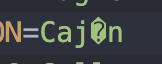
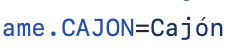
For your information, I have a very strange behavior with this text. I have corrected it and checked my correction into my GitHub repository, here it is in GitHub…
but my change keeps showing up as a new change when I want to commit other changes in Jmix Studio…
and I have done at least 10 commits in the meantime.
This looks like a bug to me. Any ideas why this would occur?
I tried to reproduce the problem using your scenario but after migration, I had no problem with encoding my *.properties files.
Could you please create a new Jmix project with locales you used and look and send us the results which encoding will be used there? It could be helpful to get the main issue reason.
or with my original project using Jmix 1.1.1 or 1.1.3. My CUBA Studio and Jmix Studio are both set for UTF-8.
I tried running the migration immediately after starting IntelliJ and also after accessing different files in the project and opening and closing it to simulate some work but each time the result was the same; the text was correctly migrated.
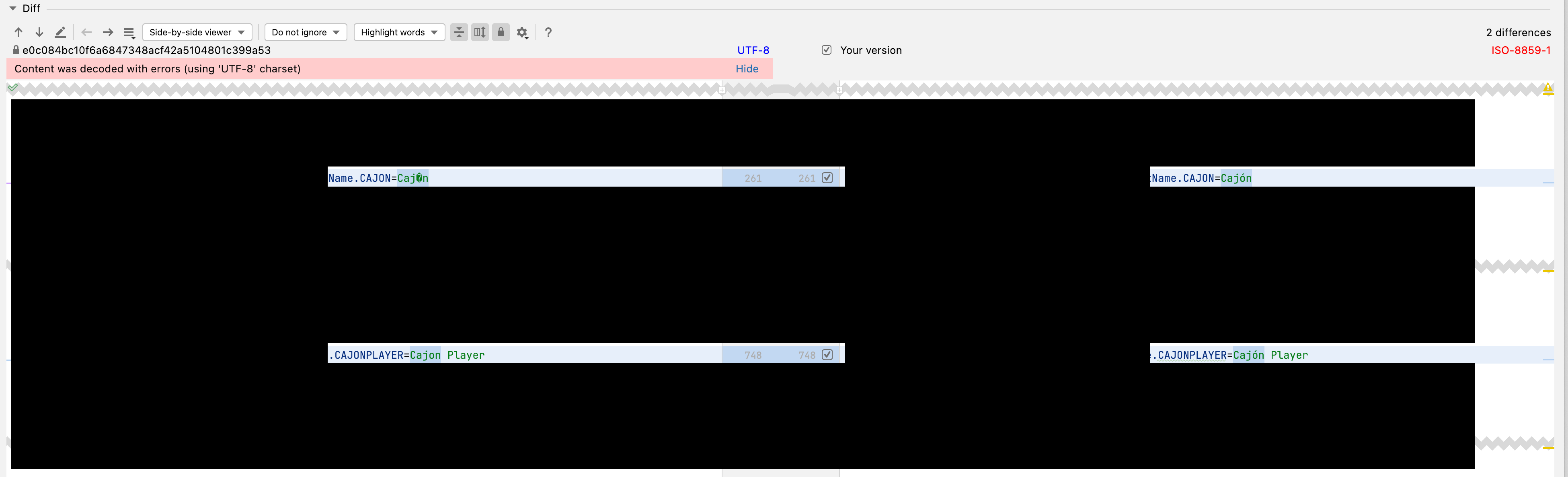
But I am still having problems with the word Cajón that “sometimes” shows itself as a change while I commit my changes to GitHub. I just changed the words “Cajon Player” to “Cajón Player” and now again you see that the commit shows that the first word needs to be checked in again.
In fact, I copied the first instance of the word (top of image) to use it in the “Cajón Player” message text (bottom of image). So this behavior is still strange; there is a bug somewhere.
I just upgraded to Jmix 1.1.3 and Studio 1.1.5 and will observe whether this problem was somehow corrected or not, however, I assume that it is an IntelliJ problem.
I will update this ticket again in the following days.