Hi,
I am using the REST API for my applicaiton, and testing the application with oauthdebugger.com, and using the PKCE approach, And i am getting the authentication code added as code in the URL parameter. And to exchange this authorization code for access token, i am executing another http request as below as shown in the documentation (Obtaining Tokens :: Jmix Documentation):
But in the above curl request why we should have the client secret?
The whole point of Proof Key for Code Exchange (PKCE) is to eliminate the need for a client secret, making it more suitable for public clients like mobile or JavaScript applications.
So, how we can get the access token using the authorization code in the client application?
Hi @i.gavrilov ,
Thanks for your reponse, I am having the same configuration in my application.properties file.
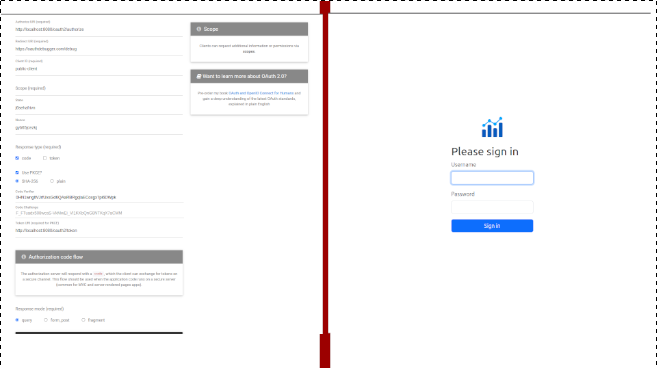
When i request with response type as code, then only i am successfully routed to login page.
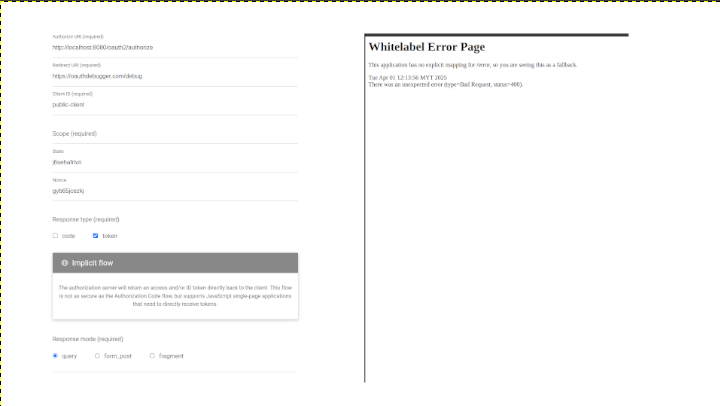
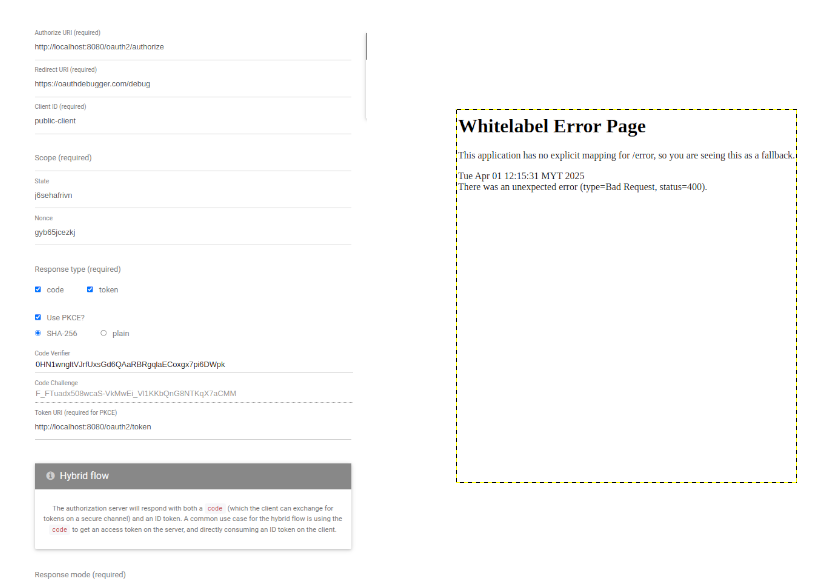
If i select as token, then i am getting the “Whitelabel Error Page”, below is the screenshots, and i also attached the my jmix project for your perusal.
application.properties file:
main.datasource.url = jdbc:hsqldb:file:.jmix/hsqldb/oauthcodeflow
main.datasource.username = sa
main.datasource.password =

main.liquibase.change-log=com/company/oauth_code_flow/liquibase/changelog.xml

jmix.ui.login-view-id = LoginView
jmix.ui.main-view-id = MainView
jmix.ui.menu-config = com/company/oauth_code_flow/menu.xml
jmix.ui.composite-menu = true

ui.login.defaultUsername = admin
ui.login.defaultPassword = admin

jmix.core.available-locales = en

# Launch the default browser when starting the application in development mode
vaadin.launch-browser = false

# Use pnpm to speed up project initialization and save disk space
vaadin.pnpm.enable = true

logging.level.org.atmosphere = warn

# 'debug' level logs SQL generated by EclipseLink ORM
logging.level.eclipselink.logging.sql = info

# 'debug' level logs data store operations
logging.level.io.jmix.core.datastore = info

# 'debug' level logs access control constraints
logging.level.io.jmix.core.AccessLogger = debug

# 'debug' level logs all Jmix debug output
logging.level.io.jmix = info

spring.security.oauth2.authorizationserver.client.public-client.registration.client-id=public-client
spring.security.oauth2.authorizationserver.client.public-client.registration.client-authentication-methods=none
spring.security.oauth2.authorizationserver.client.public-client.registration.authorization-grant-types=authorization_code
spring.security.oauth2.authorizationserver.client.public-client.registration.redirect-uris=https://oauthdebugger.com/debug
spring.security.oauth2.authorizationserver.client.public-client.scopes=openid,profile
spring.security.oauth2.authorizationserver.client.public-client.require-proof-key=true

# Login page configuration
jmix.authserver.login-page-view-name=custom-as-login.html
#-----------------------------------------------------------------------------------------------------------------------

jmix.resource-server.authenticated-url-patterns=/rest/**
jmix.rest.inline-fetch-plan-enabled=false