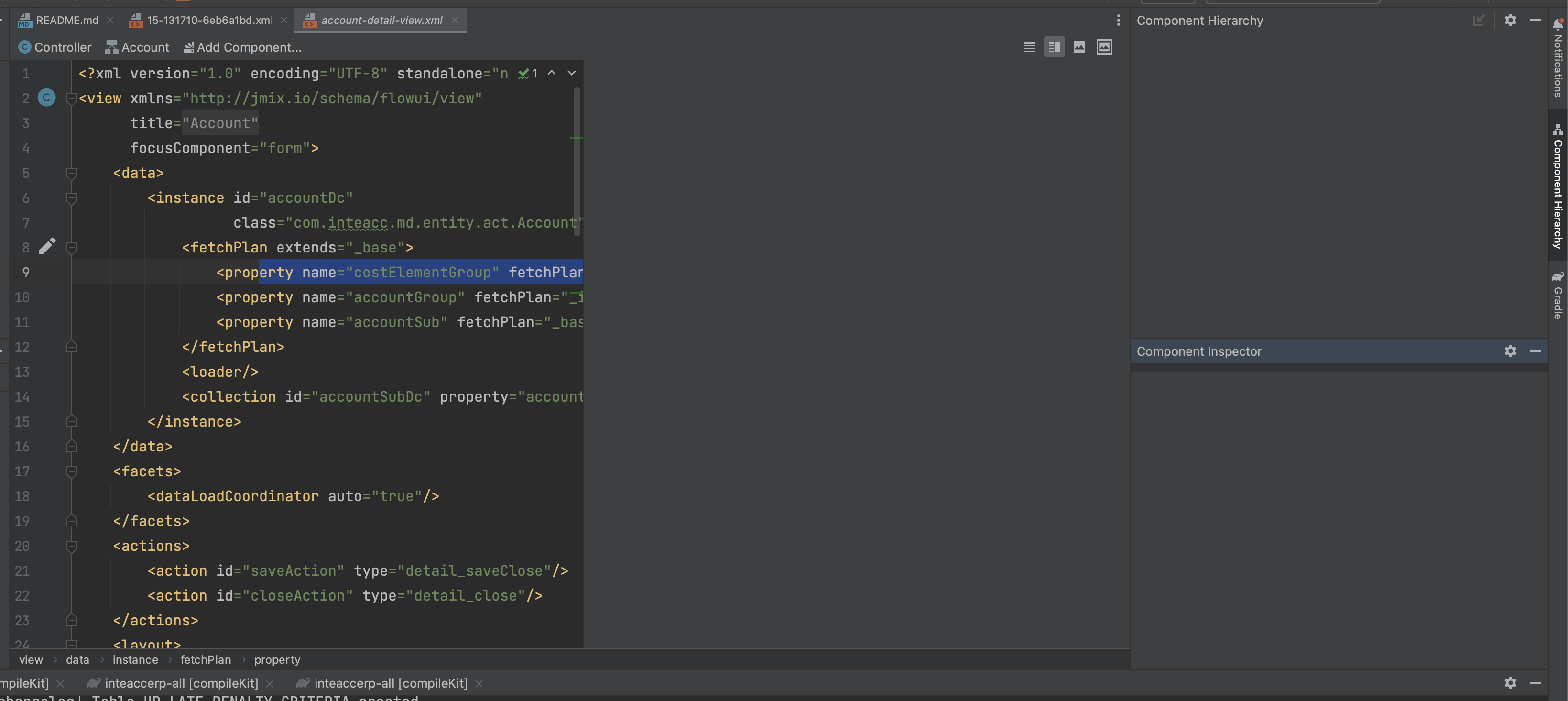
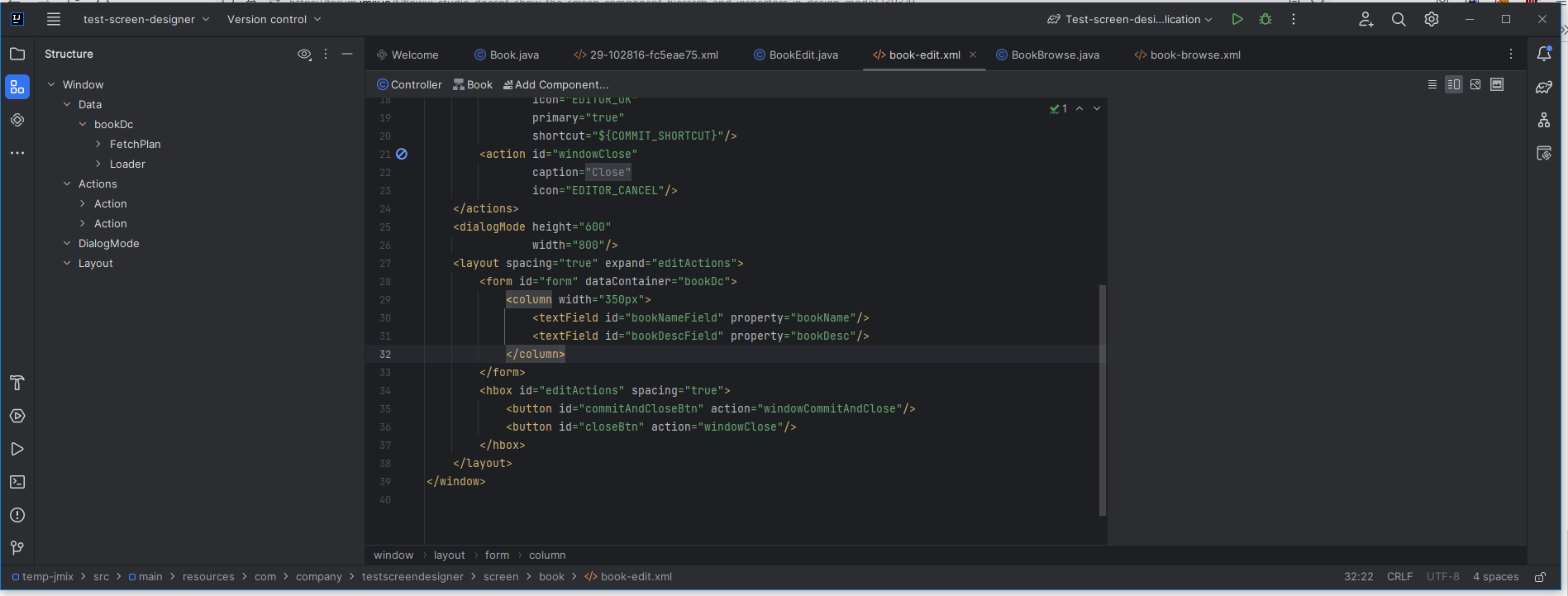
I am using the latest released version of Jmix platform/studio (1.4.2) and it was working for my FlowUI but recently stopped showing some premium studio features like component hierarchy, component inspector or even the option to restart the flow server is not visible. It also doesn’t show the screen in design mode as you see in the screen-shot.
It works for new projects. Thanks, Jmix team in advance for your help.
2023-01-16 12:28:04,210 [72336081] SEVERE - #c.i.o.p.Task - Unable to start server
java.lang.RuntimeException: Unable to start server
	at com.haulmont.jmixstudio.flowui.server.FlowServerManager$initServer$1.onFailure(FlowServerManager.kt:130)
	at com.intellij.openapi.externalSystem.util.ExternalSystemUtil$6.execute(ExternalSystemUtil.java:936)
	at com.intellij.openapi.externalSystem.util.ExternalSystemUtil$8.run(ExternalSystemUtil.java:963)
	at com.intellij.openapi.progress.impl.CoreProgressManager.startTask(CoreProgressManager.java:423)
	at com.intellij.openapi.progress.impl.ProgressManagerImpl.startTask(ProgressManagerImpl.java:114)
	at com.intellij.openapi.progress.impl.CoreProgressManager.lambda$runProcessWithProgressAsynchronously$6(CoreProgressManager.java:474)
	at com.intellij.openapi.progress.impl.ProgressRunner.lambda$submit$3(ProgressRunner.java:252)
	at com.intellij.openapi.progress.impl.CoreProgressManager.lambda$runProcess$2(CoreProgressManager.java:188)
	at com.intellij.openapi.progress.impl.CoreProgressManager.lambda$executeProcessUnderProgress$13(CoreProgressManager.java:589)
	at com.intellij.openapi.progress.impl.CoreProgressManager.registerIndicatorAndRun(CoreProgressManager.java:664)
	at com.intellij.openapi.progress.impl.CoreProgressManager.computeUnderProgress(CoreProgressManager.java:620)
	at com.intellij.openapi.progress.impl.CoreProgressManager.executeProcessUnderProgress(CoreProgressManager.java:588)
	at com.intellij.openapi.progress.impl.ProgressManagerImpl.executeProcessUnderProgress(ProgressManagerImpl.java:60)
	at com.intellij.openapi.progress.impl.CoreProgressManager.runProcess(CoreProgressManager.java:175)
	at com.intellij.openapi.progress.impl.ProgressRunner.lambda$submit$4(ProgressRunner.java:252)
	at java.base/java.util.concurrent.CompletableFuture$AsyncSupply.run(CompletableFuture.java:1768)
	at java.base/java.util.concurrent.ThreadPoolExecutor.runWorker(ThreadPoolExecutor.java:1136)
	at java.base/java.util.concurrent.ThreadPoolExecutor$Worker.run(ThreadPoolExecutor.java:635)
	at java.base/java.util.concurrent.Executors$PrivilegedThreadFactory$1$1.run(Executors.java:702)
	at java.base/java.util.concurrent.Executors$PrivilegedThreadFactory$1$1.run(Executors.java:699)
	at java.base/java.security.AccessController.doPrivileged(AccessController.java:399)
	at java.base/java.util.concurrent.Executors$PrivilegedThreadFactory$1.run(Executors.java:699)
	at java.base/java.lang.Thread.run(Thread.java:833)
2023-01-16 12:28:04,210 [72336081] SEVERE - #c.i.o.p.Task - IntelliJ IDEA 2022.3.1  Build #IC-223.8214.52
2023-01-16 12:28:04,210 [72336081] SEVERE - #c.i.o.p.Task - JDK: 17.0.5; VM: OpenJDK 64-Bit Server VM; Vendor: JetBrains s.r.o.
2023-01-16 12:28:04,210 [72336081] SEVERE - #c.i.o.p.Task - OS: Mac OS X
2023-01-16 12:28:04,211 [72336082] SEVERE - #c.i.o.p.Task - Plugin to blame: Jmix version: 1.4.2-223
Thanks for the report!
We are working on the stability of the designer, it will be improved in the next release.
Does this problem persist when you reopen the project?
Hi Konstantin
Even after reopening, reloading the project from the disk or invalidating the cache, it is never showing those options anymore in my project. That means I am now working almost like a free version of the Studio for the last 1 month! Thanks for the fix and for releasing the new version soonest possible.
Hi Konstantin
Please find below the view descriptor and controller of one screen. In fact, it is applicable to all screens in my project whether already created or I create a new one.
As you can see this is a Composite project of FlowUI that I built based on your guidance here which is working perfectly except this studio issue lately.
I append below one of the add-ons’ gradle file too.
Oh…
While version 1.5 is planned to be released in Feb (I guess end of Feb), is it a good idea migrating the project to 1.5999 version in the nightly repository?
The problem is in Studio. And its nightly build is now from 1.4 branch. Will be switched to 1.5 when approximately in the middle of Feb. Then it will be a good idea to use the framework 1.5-RC and nightly Studio 1.5.
IntelliJ IDEA 2023.1 (Community Edition)
Build #IC-231.8109.175, built on March 28, 2023
Runtime version: 17.0.6+10-b829.5 amd64
VM: OpenJDK 64-Bit Server VM by JetBrains s.r.o.
Windows 10.0
GC: G1 Young Generation, G1 Old Generation
Memory: 2048M
Cores: 4
Registry:
debugger.new.tool.window.layout=true
ide.experimental.ui=true
=======
the IDE runs with
openjdk version “11.0.14” 2022-01-18 LTS
OpenJDK Runtime Environment 18.9 (build 11.0.14+9-LTS)
OpenJDK 64-Bit Server VM 18.9 (build 11.0.14+9-LTS, mixed mode)
Actually, you have Classic UI in your project, not Flow UI, which the topic relates.
It seems that there is some issue with JCEF browser embedded in the IDE, so screen designer doesn’t work.
Please attach idea.log file (Help > Show Log in Explorer).
Hi, Mortoza
Could you attach a demo project where the problem is reproduced and give more information about the Jmix version and the Jmix Studio version that you use?
Also, you can attach ViewDesigner logs (placed in {moduleDir}/.jmix/screen-designer/tmp/{actualLogFile} where ‘moduleDir’ is root directory of module when ViewDesigner starts).
And one more thing: the Jmix ViewDesigner version 1.5.x requires some frontend files, which should be located in the root directory of the module on which the ViewDesigner runs. For composite projects, it can be an addon module (there were no frontend files in the addon before version 1.5.1. Files were added in this ticket).
Thanks for the log provided.
But unfortunately I see nothing helpful here.
Please add -Dide.browser.jcef.log.level=verbose to the Custom VM options. This should create jcef_.log file in the system disc root (I have this path on MacOS, not sure for Windows) after JCEF browser first usage, e.g. in Jmix Screen designer.
Please add the following lines to the Custom Debug Log Configuration (Help → Diagnostic Tools → Debug Log Settings…) #com.haulmont.jmixstudio #com.intellij.ui.jcef
After this setup please restart IDE, open Jmix project, open Screen designer. Attach jcef_.log file (if any) and the whole IDEA log folder.
Also JCEF browser used by Markdown plugin that is bundled with IDE. Could you please try to open any .md file preview?
Hi @m.fedoseev
Thanks for your reply. Generally a new project is Ok, shows the screen designer, therefore, it will be hard to reproduce with a new project. This project was created before Jmix v1.5 and as you mentioned there were no frontend files in the addon… and that could be the reason.
I have checked the folder .jmix/screen-designer/tmp unfortunately this folder has no files. in some add-on in my composite project, there is not even having tmp folder under the screen-designer folder. Is this the reason why my screen designer is not working? Thanks for suggesting what will be the fix for this.
If I copy the tmp folder from another project where the screen-designer is working, will that work and for composite project do I need to copy it in all the add-on projects?
I think that copying frontend files to all addons (to root directory, not .jmix/screen-designer) in the project should solve the problem.
In fact, in a composite project, it is not necessary to have frontend files in all addons, but we cannot know exactly which module will be selected to run ViewDesigner, so it is better to put files in all addons.